01 / 15
πŸ‡¨πŸ‡³ δΈ­ζ–‡ Β· πŸ‡¬πŸ‡§ English
πŸ€–
Codex Buddy Β· Claude Buddy

Bring your code
to life

Real-time Claude Code execution status as desktop LED glow Real-time Claude Code status as desktop LED glow Real-time Claude Code execution status as desktop LED glow & voice voice voice

v1.0.0 Β· Production Ready Β· 2026-06-23
ESP32 MicroPython BLE Claude Code LVGL WS2812B Doubao TTS Custom Characters
The Problem

You use Claude Code
But you never know what it's doing

πŸ˜Άβ€πŸŒ«οΈ
Can't see progress
Claude runs tool after tool β€” you have to stare at the terminal to know if it's still going or done
⌨️
Missed approval windows
Claude asks "execute this Bash command?" β€” you grab water, come back to find the task still waiting
πŸ””
Can't sense errors
Error
🀹
Multiple instances, more chaos
Multiple Claude Code windows all running β€” no idea which finished and which is stuck
What you need is a way to perceive status without staring at the screen
The Solution

Codex Buddy β€” a Claude status light for your desk

clock lit
Clock Β· LED Status
panel display
Panel Edition Β· Screen Animation
clock hardware
Claude-Buddy Hardware
Hook events from Claude Code are captured in real time, pushed via BLE to the ESP32 device, and translated into intuitive LED colors and voice announcements.
πŸ’‘
Clock Edition
WS2812B dual LEDs + Doubao TTS voice
Idle Blue β†’ Working Cyan β†’ Done Green β†’ Error Red
πŸ“Ί
Panel Edition
2.4" TFT + LVGL animated characters
8 presets, custom supported
βœ“ Latency <5ms Claude Code execution
βœ“ Fail-Open, disconnect-safe
βœ“ Tracks multiple concurrent Claude Code instances
✦Panel characters / voice timbres customizable, one config change + reflash
Hardware Gallery

Hardware Gallery

CLOCK FORM Β· ESP32-C3
clock 1
Front View
clock 2
LED Effect
clock 3
Use Case
PANEL FORM Β· ESP32-S3
panel 1
Front View
panel 2
Screen Display
panel 3
On Desktop
USE SCENARIOS Β· Real-world Usage
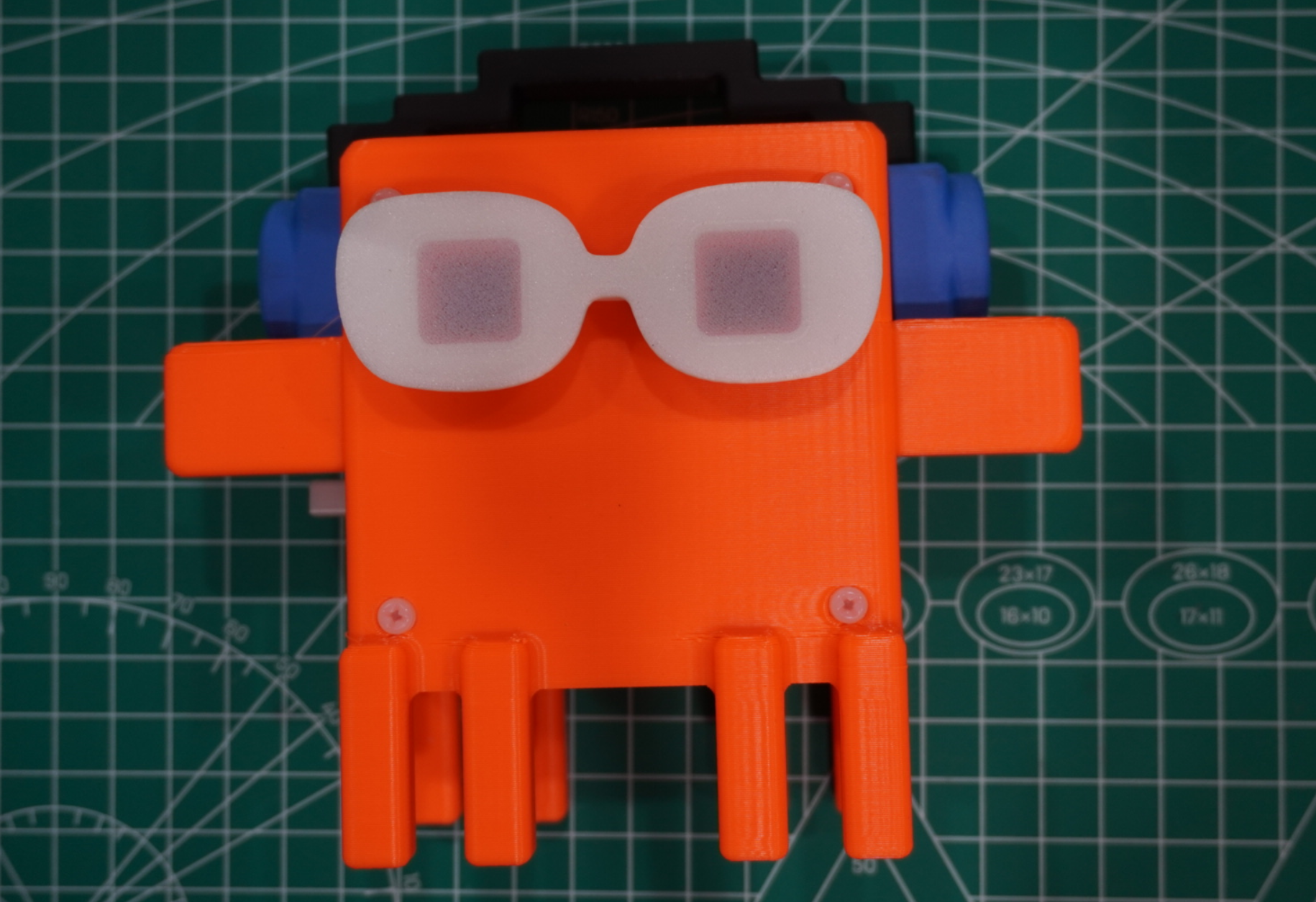
Use Case 01
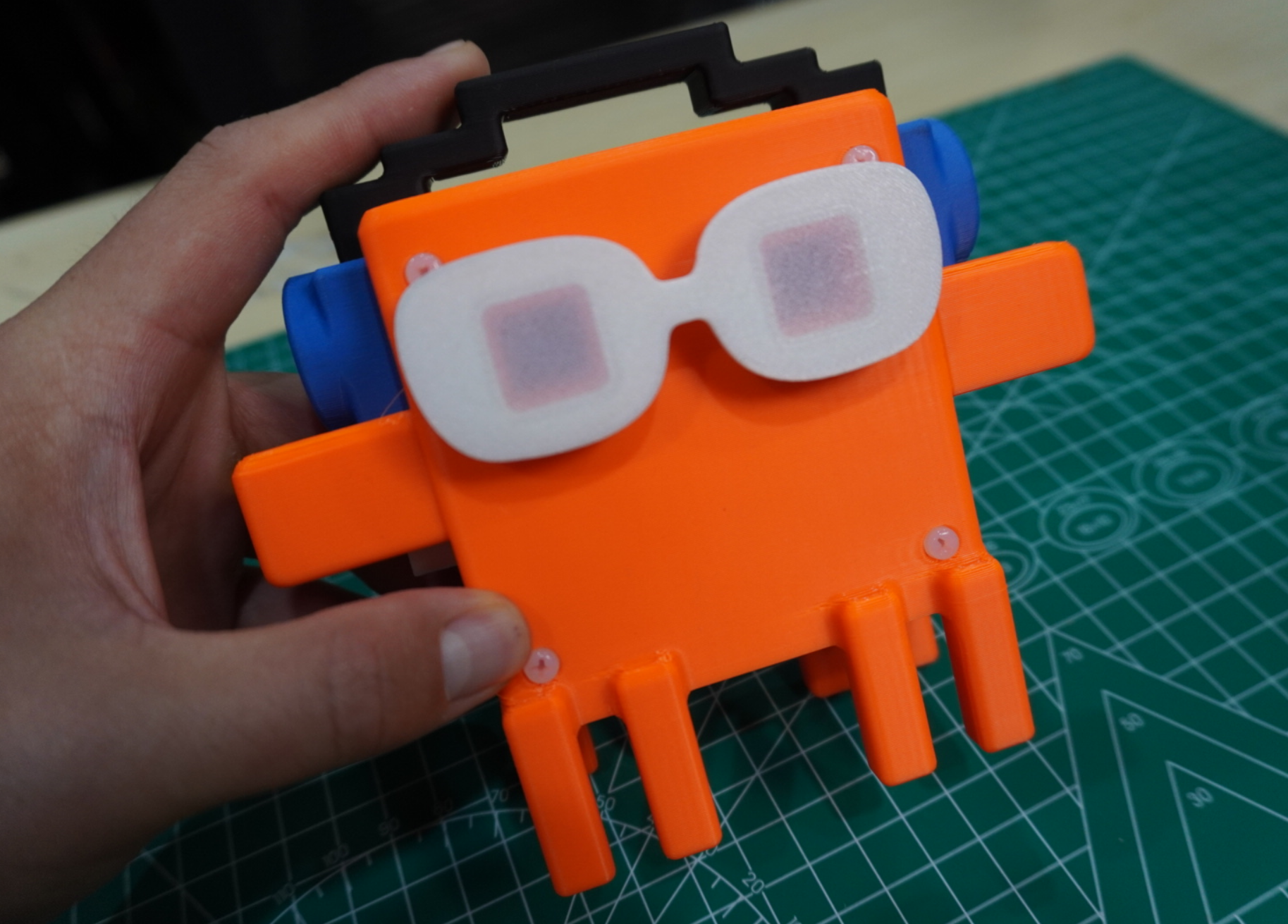
Use Case 02
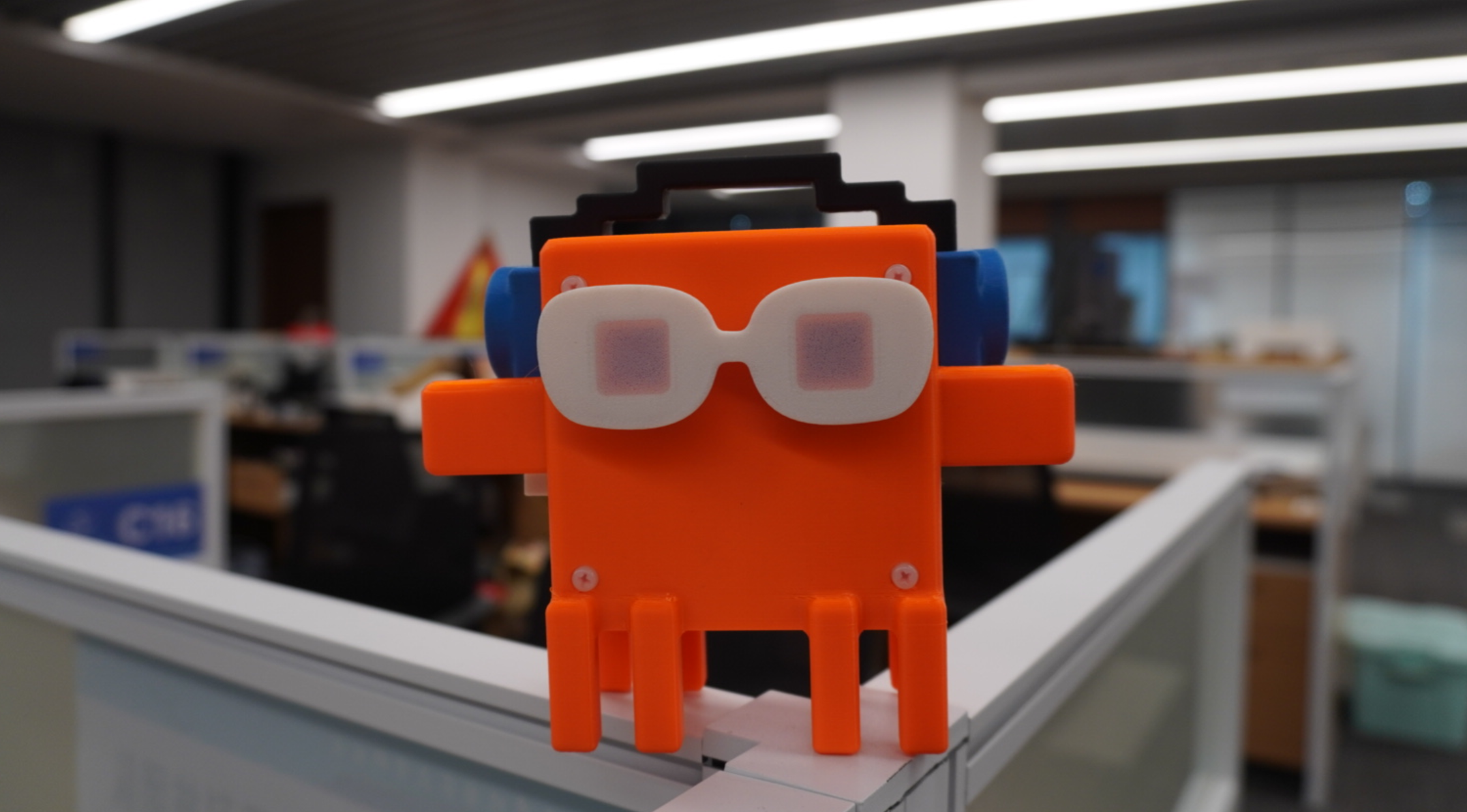
Use Case 03
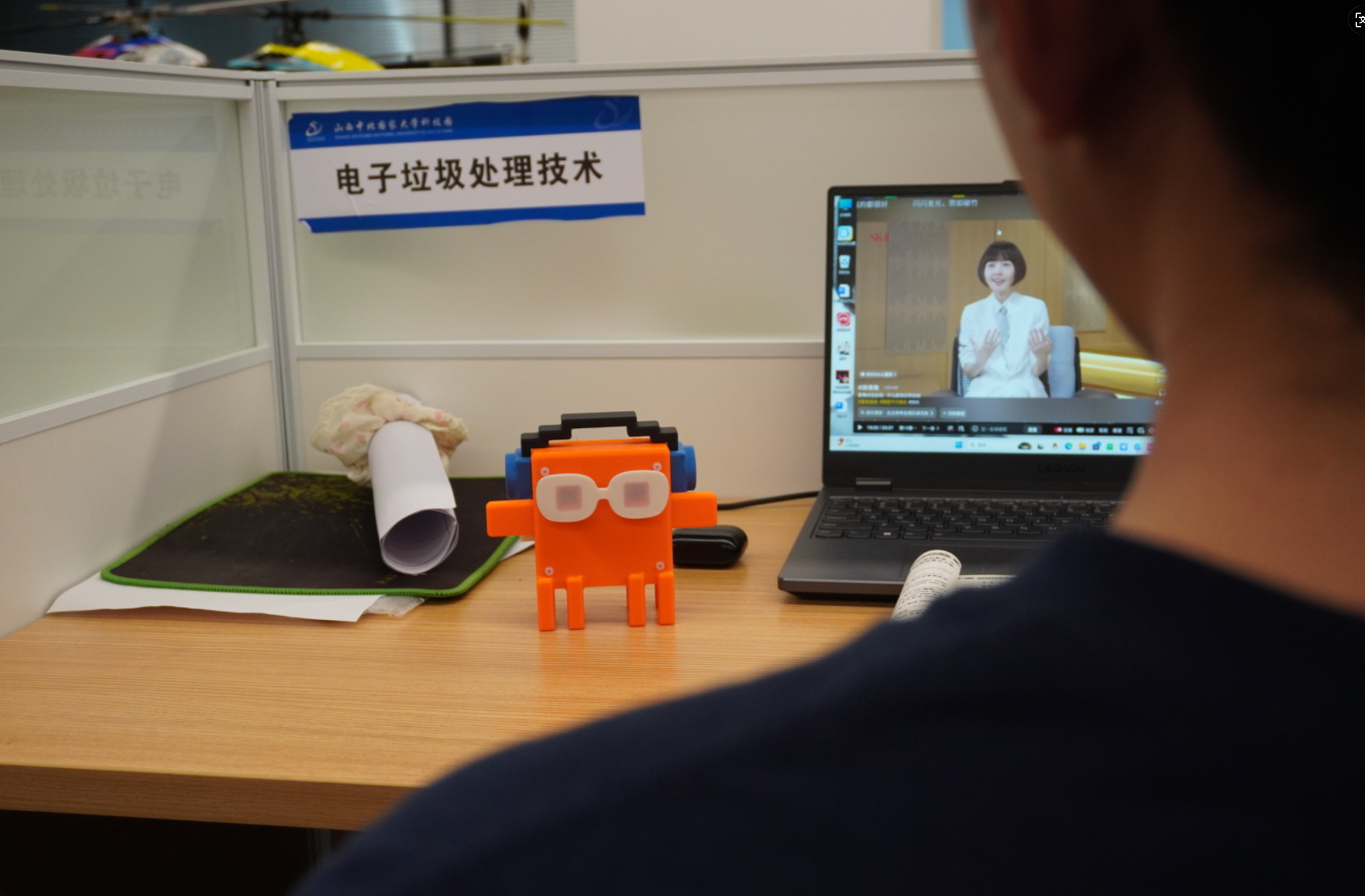
Use Case 04
Use Scenarios

Four Use Scenarios

01
β˜•
Step Away for Coffee
Ask Claude to refactor a module while you grab coffee. Cyan sweep means working, green triple-flash says complete β€” no need to watch the screen.
W β†’ C Done
02
⚠️
Awaiting ApprovalReminder
Claude needs your approval for a Bash command β€” yellow slow blink + voice "Please check terminal" lets you know immediately.
P PendingReminder
03
🚨
Instant Error Alert
pytest fails, API timeout, tool error β€” red alternating flash + voice "Task error" alerts you without looking at the terminal.
E Error State
04
🀹
Multi-Project Concurrency
Run multiple Claude Code instances across different projects β€” the Panel edition displays multi-session history.Since v0.9.4, the slot field provides stable slot mapping β€” sessions return to their original position after silent reconnect without losing history.v0.10.0 adds a one-click flashing GUI tool and completes panel voice support.
Multi-Session
How It Works

How It Works At a Glance

πŸ’»
Claude Code
Your daily
AI Coding Assistant
β†’
Hook
<5ms
πŸ–₯
PC PC Daemon
Background daemon
State machine processing
β†’
BLE
5Hz
πŸ“Ÿ
ESP32 Device
On your desk
LED + Voice
Every Claude Code action triggers these hooks
PreToolUse Tool starts β†’ Cyan LED
PostToolUse Tool done β†’ Green flash
Notification Needs approval β†’ Yellow blink + voice
StopFailure Error/crash β†’ Red flash + voice
Device State Code β†’ LED / Animation
IIdleBlue breathing Β· Awaiting instructions
WRunningCyan sweep Β· Tool running
PAwaiting ApprovalYellow slow blink + voice prompt
CDoneGreen flashΓ—3 + voice "Done"
EErrorRed alternating flash + voice "Error"
System Architecture

Three-Layer Architecture

LAYER 1 Β· CLAUDE CODE RUNTIME
PreToolUse PostToolUse PostToolUseFailure SubagentStart Notification Β· Stop
↓ stdin/stdout Β· TCP :57320 Β· <5ms
LAYER 2 Β· PC DAEMON (Python asyncio)
hook_bridge.py
Normalize Hook Events
ble_daemon.py
State Machine 5Hz Push
transport.py
bleak BLE Manage
pair_device.py
BLE Pair MAC
↓ BLE NUS Β· 20B MTU Β· Auto-Reconnect
LAYER 3 Β· ESP32 DEVICE (MicroPython)
transport
aioble recv
protocol
v6 Parse
state
Dispatch
renderer
Base Abstraction
display_r.
LVGL Display
light_r.
LED+Voice
Data Flow

End-to-End Data Pipeline

Claude Code Hook Events 8 Event Types stdin / stdout hook_bridge <5ms Β· fail-open v2 envelope ble_daemon per-session State Machine 5Hz Throttled Push dirty-flag diff TCP :57320 BLE NUS 20B MTU chunk Auto-Reconnect ESP32 MicroPython protocol Parse State Dispatch πŸ’‘LED Β· πŸ”ŠVoice πŸ“ΊLVGL Screen WIRE FORMAT v6 {"ss":[{"n":"proj","s":"W","m":"Read: /src/main.py","slot":"cd501167"}]} I=Idle Β· W=Running Β· P=Awaiting Approval Β· C=Done Β· E=Error
Hardware Specs

Four Forms Hardware Specs

PANEL FORM Β· ESP32-S3
panel
Display Front View
panel3
Screen
MCUESP32-S3
DisplayST7789 2.4" 320Γ—240
TouchCST816S I2C
UI FrameworkLVGL
CharacterCAT / ROBOT / DUCK
DSHELL FORM Β· ESP32-S3
ChipESP32-S3
DisplayST7789 2.4" 320Γ—240
TouchGT911 I2C
LED StripWS2812Γ—8 Rainbow
UI FrameworkLVGL
CharactersCAT / ROBOT / DUCK
CLOCK FORM Β· ESP32-C3
clock
ClockFront View
clock2
LED Effect
MCUESP32-C3
LEDWS2812B Γ— 2 (ISR Driver)
AmplifierMAX98357A I2S
Voice EngineDoubao TTS 200+ voices
PCM Format8kHz Mono 16-bit
WIZFI360 FORM · RP2040
RP2040 MCU
WiFi TCP Transport
WS2812×2 LEDs
MAX98357A Speaker
Vibration Sensor + Motor
No Bluetooth Needed
USB Powered
Key Metrics

Core Performance

<5ms
Hook Hook Latency
200ms
BLE PushThrottle
74+
Test Cases
5Hz
Push Frequency
v6
Protocol Version
10
Hook EventsTypes
+slot
v5β†’v6 New Field
4
Hardware Forms
<5ms Hook Latency β€” Device lights up instantly when a tool fires, no lag between execution and notification.
200ms Throttle β€” Merges rapid tool events, preventing LED flicker or stutter.
119+ test cases β€” Cover state machine, protocol parsing, multi-session concurrency β€” safe to refactor.
5Hz push frequency β€” 5 refreshes per second β€” state changes reach the device within 200ms.
v6 Protocol β€” slot field keeps sessions in their rightful place across reconnections.
8 Hook Events β€” Full lifecycle awareness from prompt submission to error recovery.
+slot Field β€” Solves slot drift at its root: stable session identity, no more guess-by-order.
4 Hardware Forms β€” D-Shell official panel (screen+touch+LED strip); Panel dev board (screen+history) for deep multitasking; Clock (LED+voice) for a glance; WizFi360 (WiFi TCP) no Bluetooth needed.
Daemon 634 lines β€” Clean state machine, easy to extend or customize the protocol.
Firmware ~2800 lines β€” 12 files, hot-reloadable on device, no reflash needed.
~100 B/s BLE β€” Minimal bandwidth, won't disturb other Bluetooth devices, runs on USB power.
<1s Daemon Start β€” Ready in under a second, no lengthy initialization.
Quick Start

Quick Installation

Recommended claude plugin install claude-buddy One line, auto-registers all hooks
Offline: git clone …/claude-buddy-plugin β†’ claude . | GitHub
Method 1 Β· CLI Manual
Install PC deps
pip install bleak websockets pyserial mpremote
Generate TTS voice (Clock edition)
python scripts/gen_voice_assets.py
Flash firmware to ESP32
python scripts/flash_device.py --variant clock
Flash to RP2040 (WiFi Edition)
python scripts/flash_device.py --variant wizfi360
BLE Pair + Start PC Daemon
python daemon/pair_device.py
python daemon/ble_daemon.py
Register Hook + Verify
Write settings.json Β· python daemon/smoke.py
Method 2 Β· GUI Tool Recommended
setup_tool Β· 5-step flash setup_tool Β· 5-step Flash & Pair
Select HW β†’ Connect β†’ Configure β†’ Flash β†’ Pair
python -m setup_tool # Or double-click dist/Claude_Assistant_Setup.exe
Daily Use Β· After setup, each session is just
# 1. Power on ESP32
# 2. Start PC Daemon
$ python daemon/ble_daemon.py
# 3. Use Claude Code normally
Device auto-follows tool state ✨
State Machine

Device State Machine (click to highlight)

SLEEP πŸ’€ off IDLE πŸ”΅ Blue WORKING 🩡 Cyan PENDING 🟑 Yellow CELEBRATE πŸ’š Green Γ—3 ERROR πŸ”΄ Red BLE Connected PreToolUse PostToolUse Β· 4s timeout needs_approval Approved All tools done Back to Idle PostToolFailure Timeout Priority Error > Pending > Working > Idle
Dev Tool

PC Device Simulator

sim_device real-time status monitoring Β· Debug without ESP32 hardware
Dev Tool β€” Full device logic without hardware
3 terminals (order matters)
β‘  python -m scripts.sim_device
Start sim device, retry daemon:57321
β‘‘ python daemon/ble_daemon.py --tcp-device
Daemon connects via TCP
β‘’ python scripts/sim_hooks_v5.py --no-daemon --skip-ble-check
Send test events, watch real-time state changes
4 Log Methods
per-dot sticky β€” Single slot C/P stickiness
empty-slot hold β€” Keep dominant on empty slots
sticky broken β€” W/E breaks stickiness
sticky dominant β€” Global C/P resists I
python scripts/read_sim_log.py # 4 files Γ— 150 lines rotating, auto-sorted
No ESP32 needed Real-time Status Log Rotation Sticky Test
// Customization

Personalize Β· /create-character

Skill Β· Create Panel Character
In Claude Code, type /create-character β€” AI guides you through the full process.
Describe Needs
Tell AI your character idea (reference image / text description / pixel art)
AI generates code
Auto-creates device/char_<name>.py with animation + 5-state colors
Auto-Register
Written to device/config.py CHARACTER field
Re-flash
Run setup_tool or flash_device.py to see your new character
# In Claude Code, type /create-character
7 built-in characters + unlimited custom
catrobot ghostamong_us creeperkirby pikachu + Custom
Other Customization
Voice Timbre
scripts/gen_voice_assets.py
Device Logo
scripts/logo_converter.py
Behavior
device/config.py
Display Character
/create-character
Preset Characters Β· 8 chars Γ— 5 states (I/W/P/C/E)
# No device needed python scripts/preview_character.py
Codex Buddy
Make every line of code tangible
Claude Buddy Β· MicroPython Claude Assistant
clock lit
Clock Β· Cyan sweep Working
panel screen
Panel Edition Β· Screen Animation
claude-buddy
v0.10.1
claude plugin install claude-buddy β†’
v0.12.0 Β· 2026-06-08
Vibration + Global Brightness
πŸ“³ Vibration Sensor / Motor
GPIO10 SW-180xxP tap detection
Interrupts current voice, broadcasts status
GPIO20 vibration motor Β· C/E/P pulse feedback
Toggle in setup_tool GUI
πŸ”† Global Brightness
LIGHT_BRIGHTNESS 1-100
LIGHT_CONNECT_BRIGHTNESS separate
GUI brightness slider
test_worker.py config override tests
v1.1.0 · 2026-07-08
WizFi360 WiFi Edition + Fourth Form
🌐 WizFi360 WiFi Hardware
RP2040 + WizFi360 WiFi Module
TCP communication, no Bluetooth required
WS2812×2 LEDs + MAX98357A Speaker
Vibration Sensor + Motor, USB Powered
Static IP allocation + Auto-pairing
📋 Docs + Tools
GUI: WiFi SSID/password input fields
Bridge button (one-click daemon in GUI)
Auto IP capture & pairing after flash
All docs updated for four hardware forms
New firmware/README.md with library docs
v1.1.0 · 2026-07-08
WizFi360 WiFi Edition + Fourth Form
🌐 WizFi360 WiFi Hardware
RP2040 + WizFi360 WiFi Module
TCP communication, no Bluetooth required
WS2812×2 LEDs + MAX98357A Speaker
Vibration Sensor + Motor, USB Powered
Static IP allocation + Auto-pairing
📋 Docs + Tools
GUI: WiFi SSID/password input fields
Bridge button (one-click daemon in GUI)
Auto IP capture & pairing after flash
All docs updated for four hardware forms
New firmware/README.md with library docs
v1.0.0 Β· 2026-06-23
D-Shell Official Panel + Three-Form Release
πŸ–₯️ D-Shell Official Panel Hardware
ESP32-S3 + ST7789V 2.4" display
GT911 touch + WS2812Γ—8 rainbow LED strip
Official panel hardware, st7789v driver
Built-in rainbow flow LED ISR animation
πŸ“‹ Three Forms + Documentation
GUI: D-Shell option (screen+char+LED strip)
Version bumped to v1.0.0 (first formal release)
All docs updated to three hardware forms
LED strip simplified to rainbow flow, sync fixed
v0.10.1 Β· 2026-06-05
One-Click Flash Visual Guide
πŸ“‹ setup_tool_guide_EN.md
25-step visual guide
Clock / Panel paths
Doubao TTS generation
Custom character import
πŸ”§ Other Updates
build_public.py preserves .git
skill.md recommends GUI first
install_mechanism_v1 archived
CLAUDE.md adds tool entry